
ListenBrainz
ListenBrainz is optional. Discover works without it. Connecting your account adds your listening history to your recommendations and sends your plays to ListenBrainz.
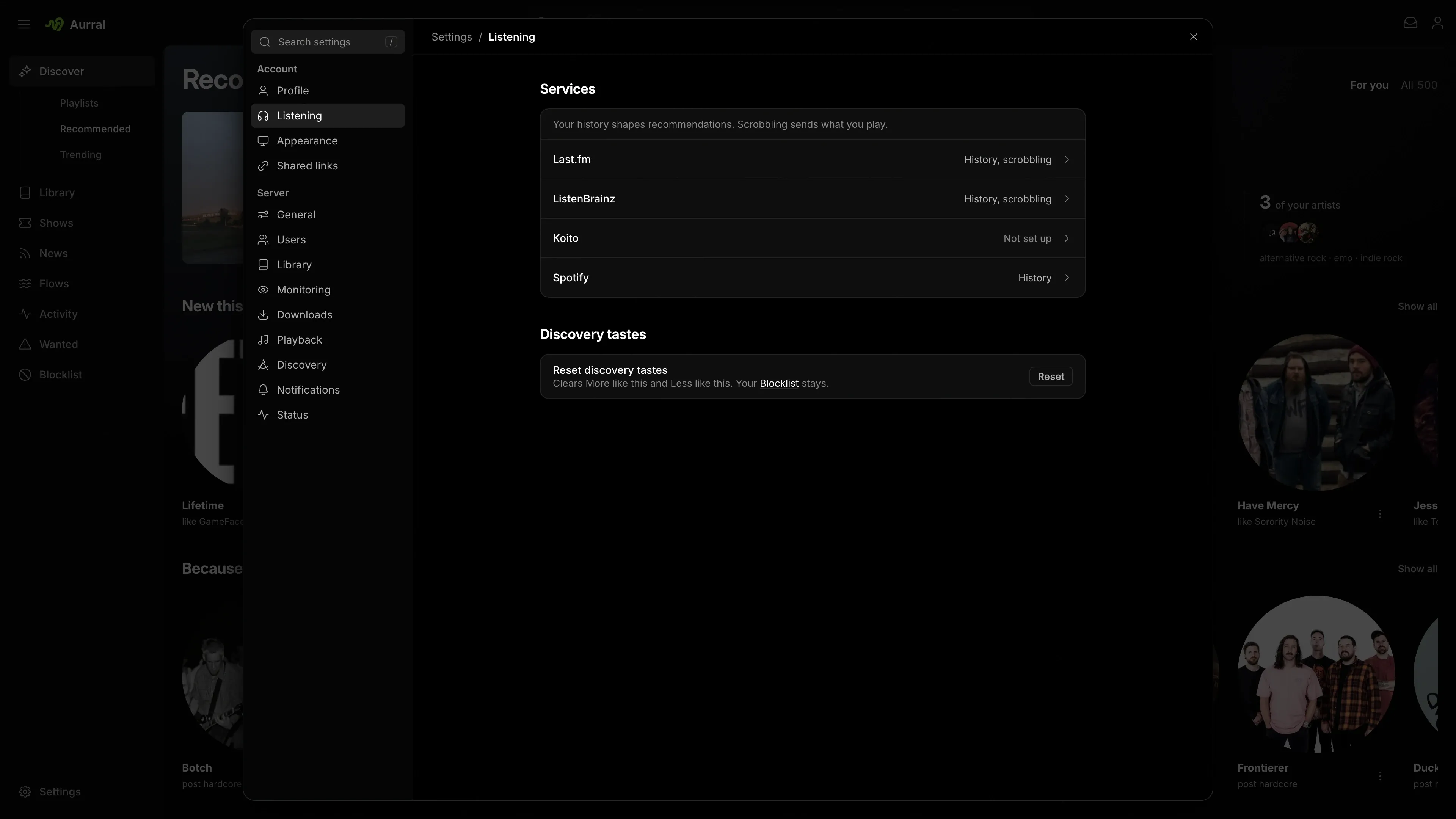
Connect your account
Section titled “Connect your account”Each user connects their own account:
- Open Settings > Listening > ListenBrainz.
- Enter your User token from your ListenBrainz settings.
- Select Connect ListenBrainz.
Connecting fills in your username, and Aurral reads your top artists from it for recommendations. To use a public history without scrobbling, enter only the username.
Each user connects while signed in. The instance API key cannot connect an account, because it does not identify a user.
How Aurral sends plays
Section titled “How Aurral sends plays”Aurral records each play from the built-in player and from Subsonic clients before it contacts ListenBrainz. If ListenBrainz is down, playback continues and Aurral keeps the play.
Aurral queues each play and retries temporary failures. Because of the retries, ListenBrainz can receive the same play twice. Aurral’s own history does not depend on the result.
Coming from Last.fm
Section titled “Coming from Last.fm”Aurral no longer connects to Last.fm, because from December 1, 2026, the Last.fm API needs Last.fm Pro. Aurral gets similar artists from Deezer and ListenBrainz for everyone instead.
To keep your Last.fm history in your recommendations, connect Last.fm under Connect services in your ListenBrainz settings, then connect ListenBrainz in Aurral.
Last.fm station imports still work. See Import from Last.fm.