
Use the app
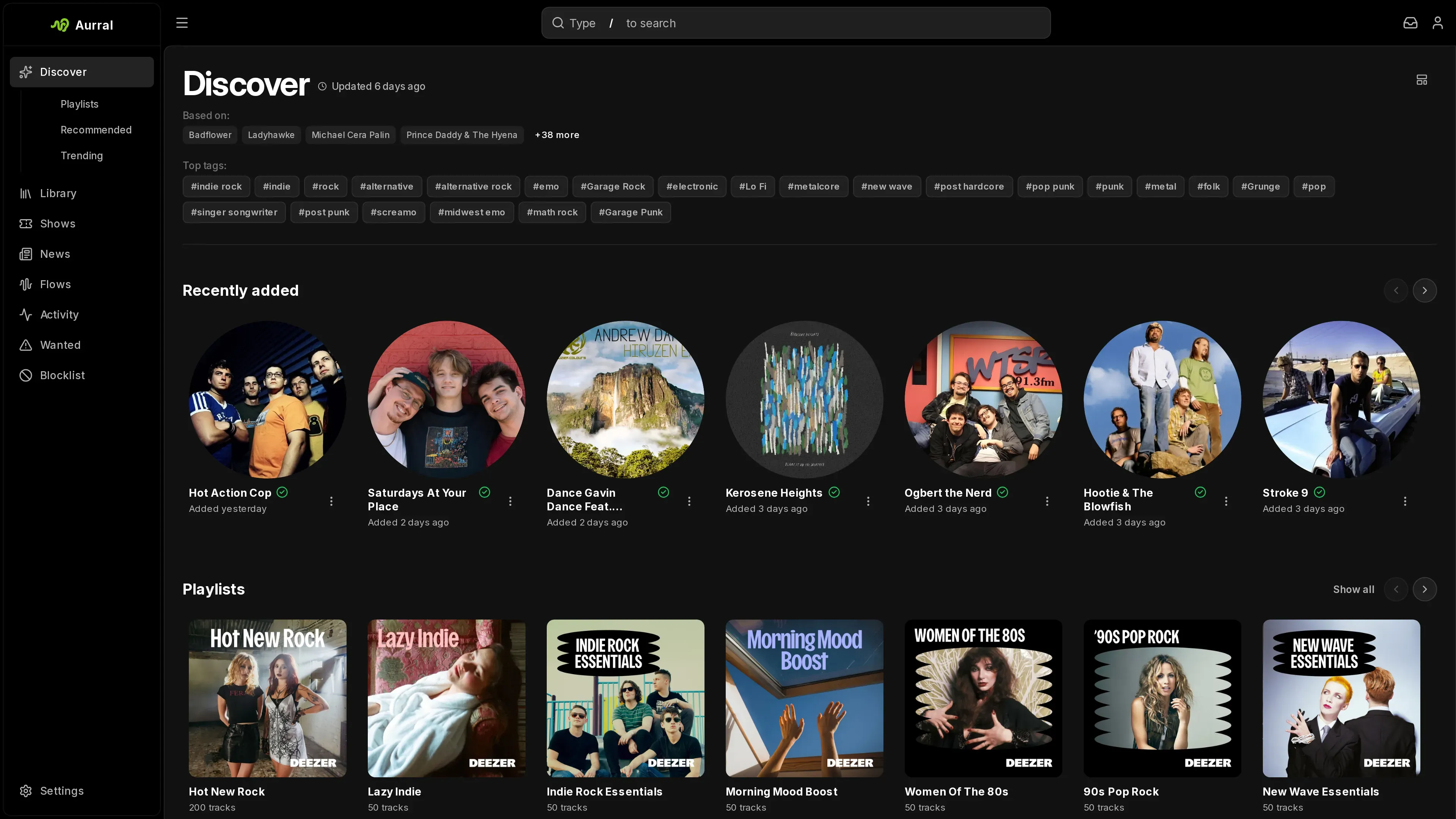
Discover, Search, Library, Playlists, Activity, Shows, Profile, and Settings. App overview
Aurral is a self-hosted app for music discovery, downloads, and playback. It finds artists you do not have yet, downloads tracks for flows and imported playlists, and plays your library in the browser.
Aurral indexes the music in its Downloads Folder, in read-only folders you add, and, if you connect Lidarr, in the Lidarr root folders. This index is the Library. Aurral plays Library tracks in its built-in player and serves them to Subsonic clients. Navidrome, Plex, and Jellyfin are optional playback servers that receive Aurral playlists.
Use the app
Discover, Search, Library, Playlists, Activity, Shows, Profile, and Settings. App overview
Create playlists
Build a scheduled flow or import a playlist. Playlists overview
Connect Lidarr
Let Lidarr manage artists and albums. Lidarr integration
Run Aurral
Storage, users, environment variables, and troubleshooting. Administration