
App overview
Aurral indexes the music in its Library folder, in read-only folders you add, and, if you connect Lidarr, in the Lidarr root folders. This page describes each part of the app.
Main sections
Section titled “Main sections”Discover
Section titled “Discover”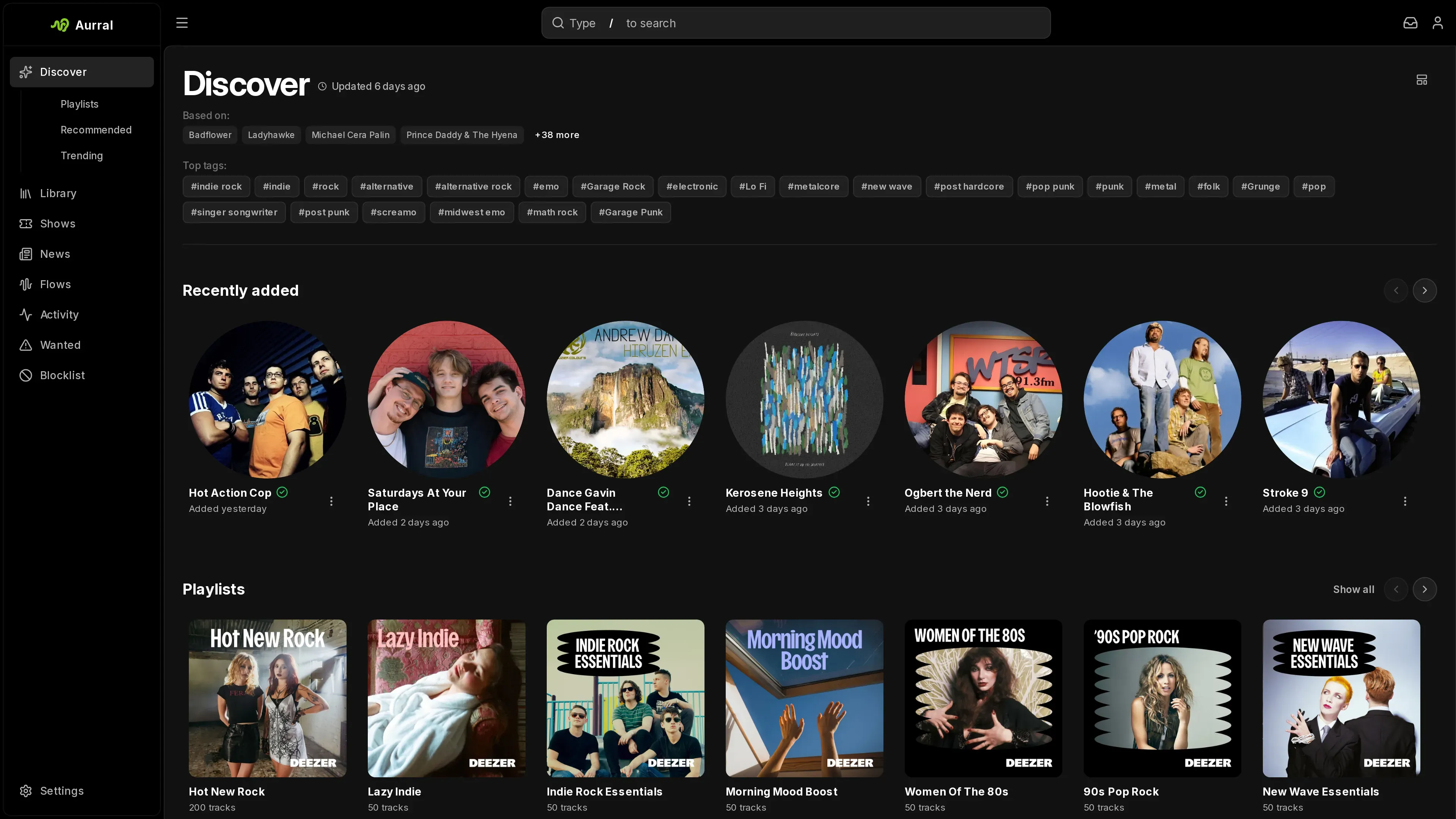
Discover shows recommendations, trending artists, tags, recent and upcoming releases, playlists, artist news, and nearby shows. Each user chooses which sections appear and in what order. See Discover.
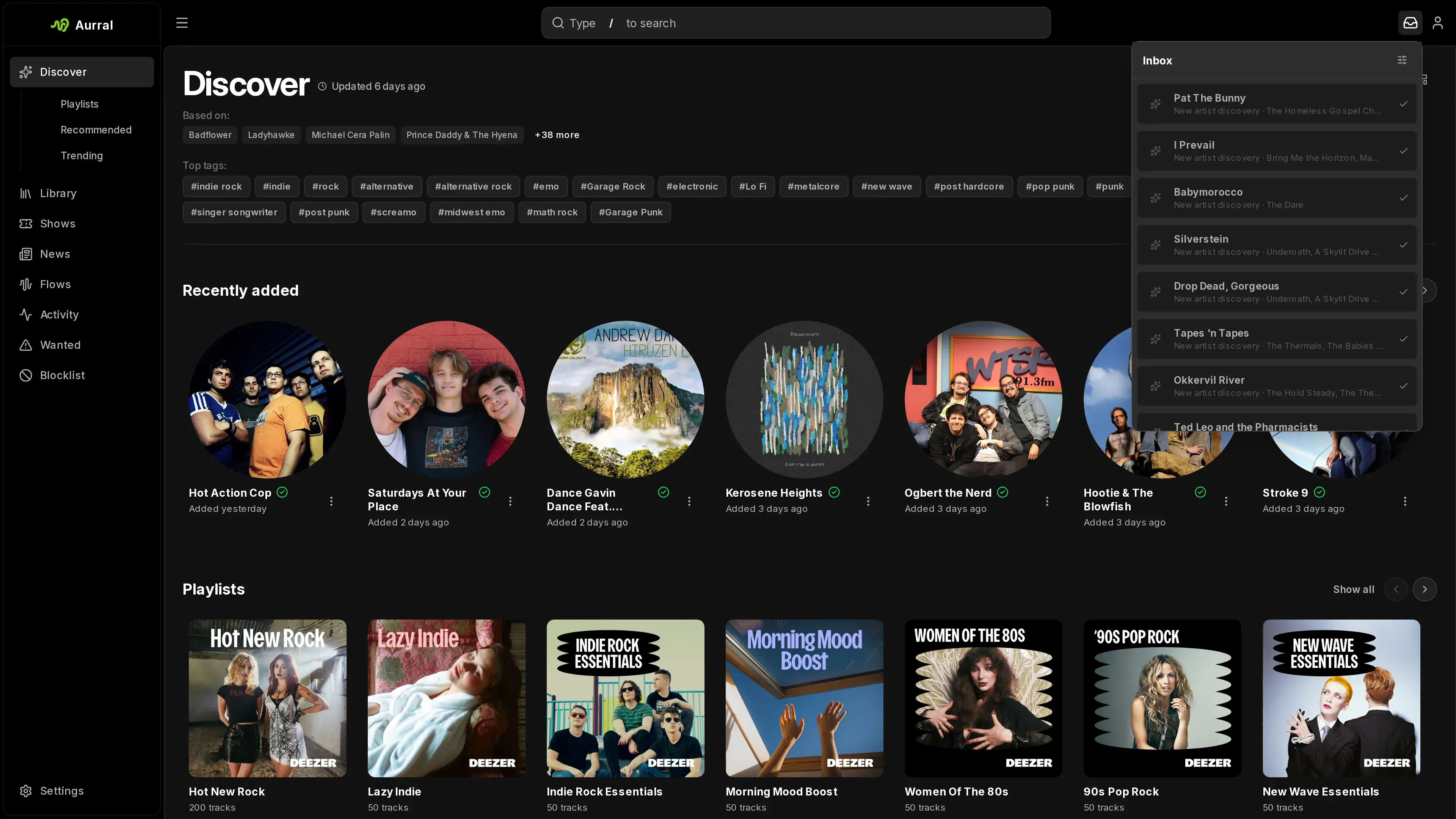
The bell icon beside the profile menu opens the Inbox. It collects new releases from library artists, nearby shows, artist news, and new discoveries. Each user has their own read, saved, dismissed, and added state. See Inbox.
Search
Section titled “Search”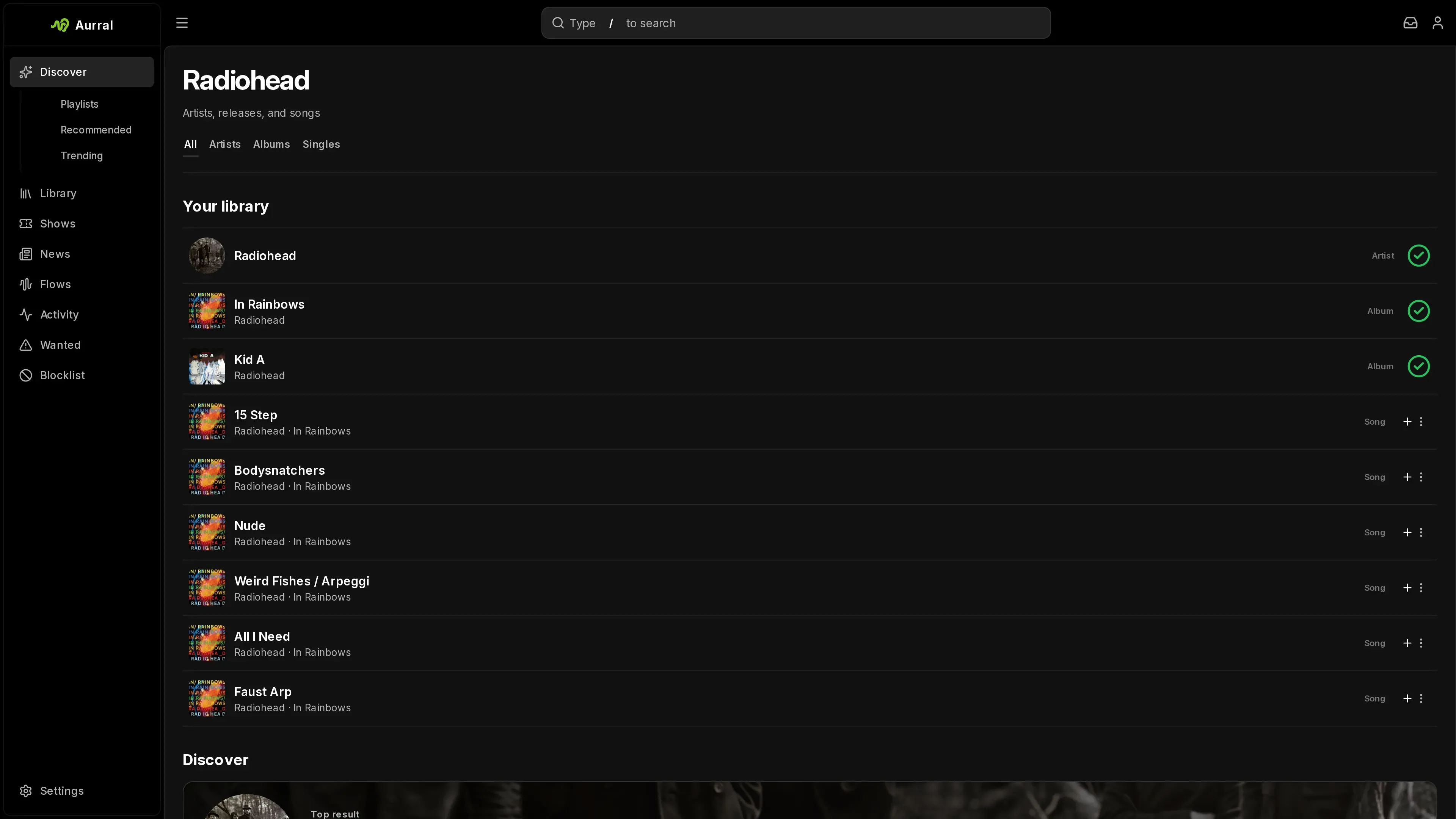
Search finds artists, albums, and tags. From the results, you can preview tracks, see what is already in the Library, and add an artist or album.
Matches from your Library appear first, in their own section, and open the Library page. Results from the metadata catalog follow under Discover.
Library
Section titled “Library”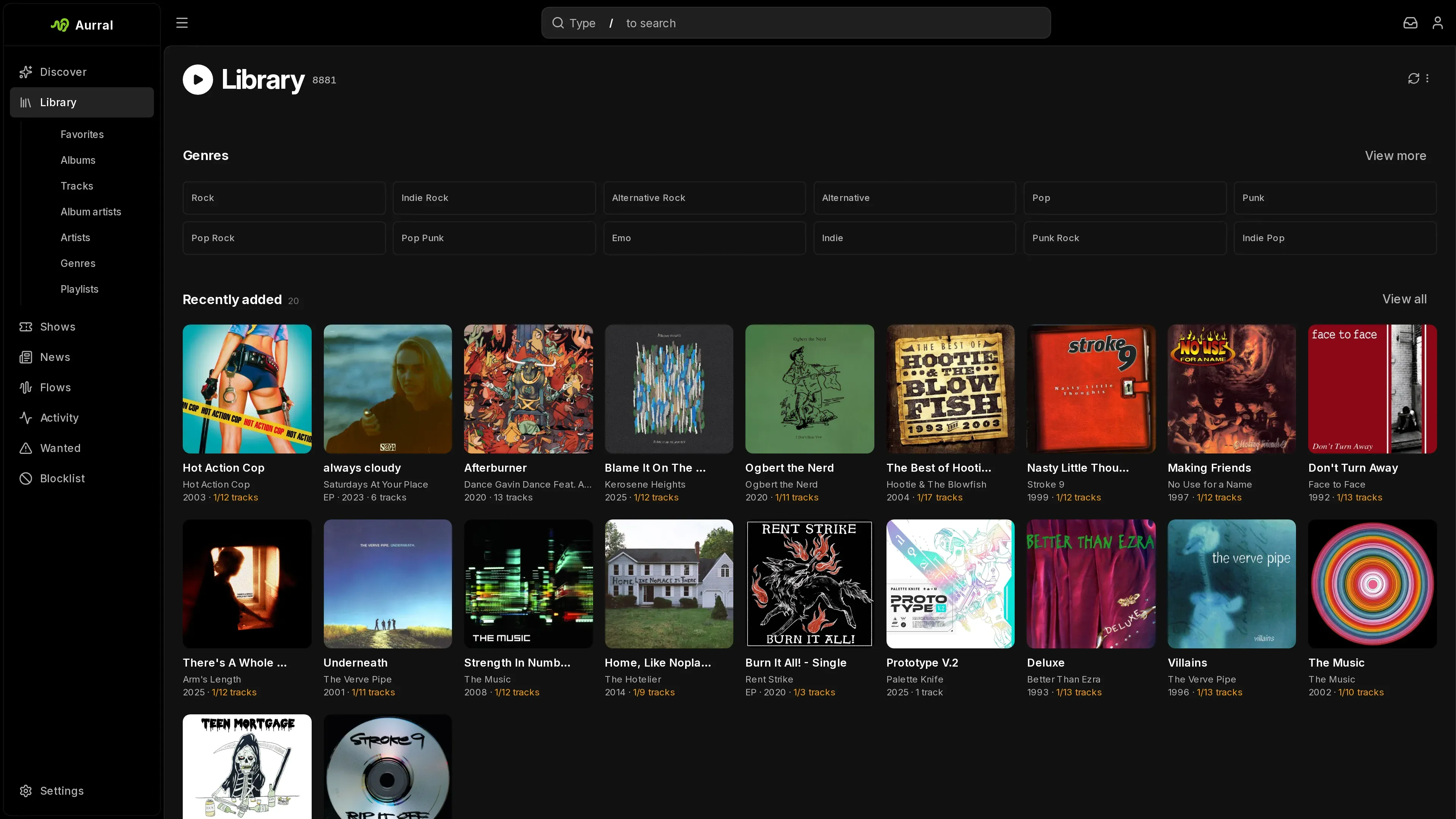
Library lists the artists, albums, and tracks that Aurral has indexed. You can search, sort, play tracks, mark favorites, and open artist and album pages. See Library.
When Lidarr is connected, Lidarr manages the artists and albums you add and keeps their files in its root folders. Without Lidarr, Aurral manages them and keeps their files in the Library folder. Either way, Aurral downloads the tracks for playlists and flows. Turning Lidarr off removes its music from the Library. See Who manages your library.
Artist and album pages have a Discover view and a Library view. Select Open in library or Open in Discover to switch between them.
The manager in charge can also monitor an artist and download its releases. See Monitor music.
Playlists and Flows
Section titled “Playlists and Flows”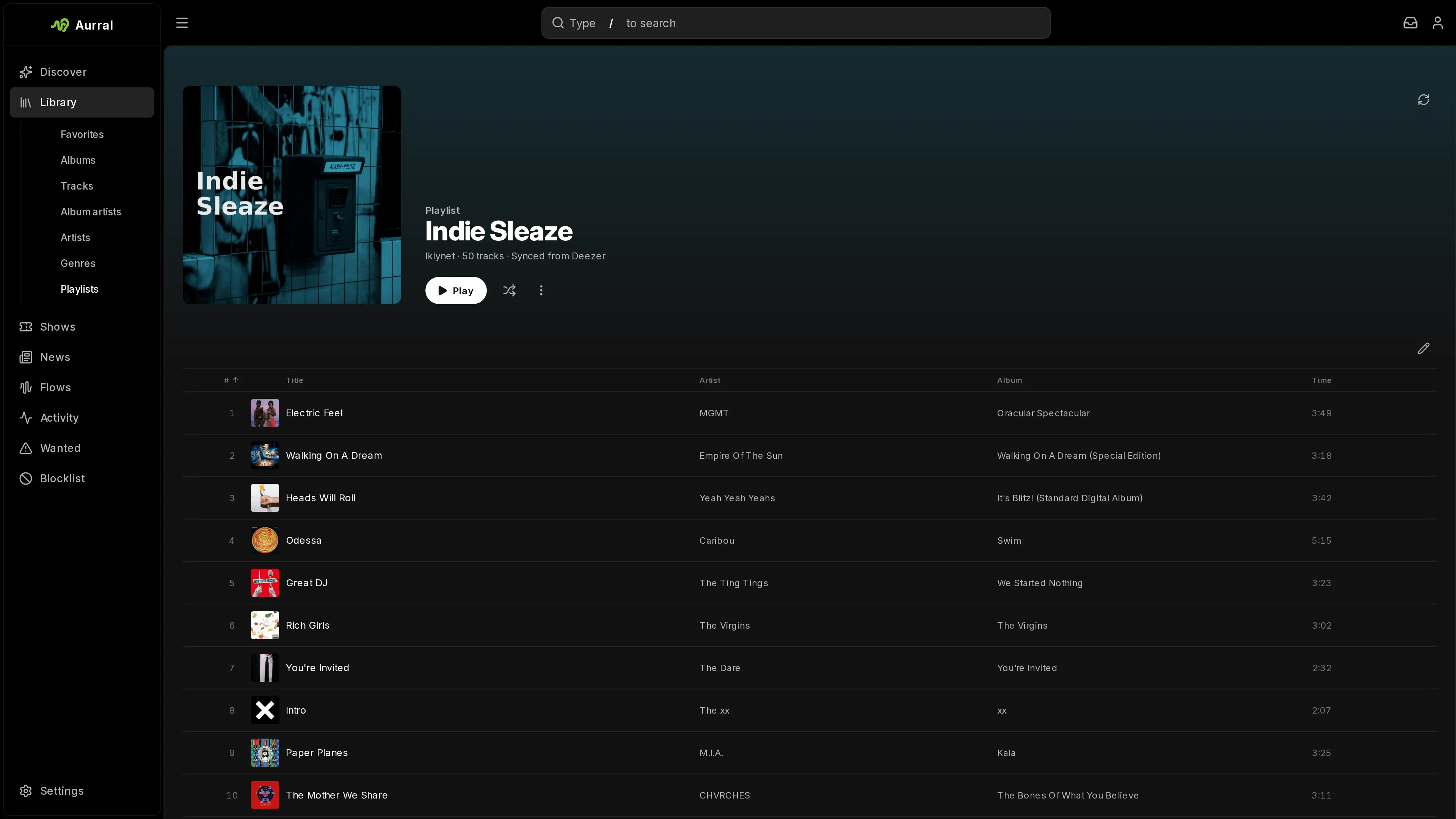
Library > Playlists holds your static playlists and their download status. Flows in the sidebar holds your scheduled discovery mixes.
A flow builds a new tracklist on a schedule. A static playlist keeps a fixed tracklist, or follows a Spotify, YouTube Music, Deezer, Last.fm, or ListenBrainz playlist. You can play both in Aurral. Navidrome, Plex, Jellyfin, and other Subsonic clients are optional. See Playlists overview.
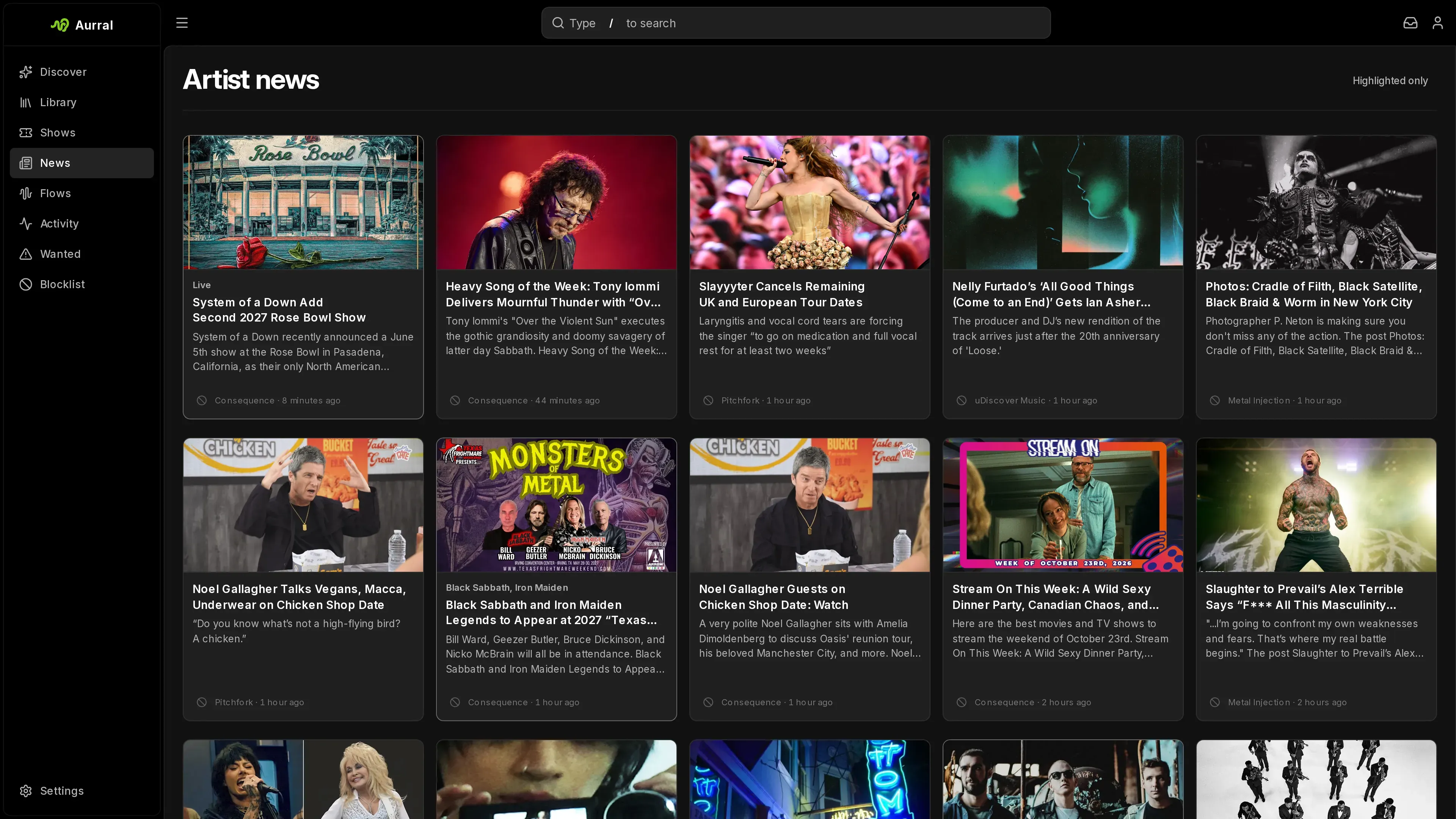
News in the sidebar lists recent stories from your RSS feeds that mention library artists or recommended artists. An admin turns on news in Settings > Discovery > News.
Activity and Wanted
Section titled “Activity and Wanted”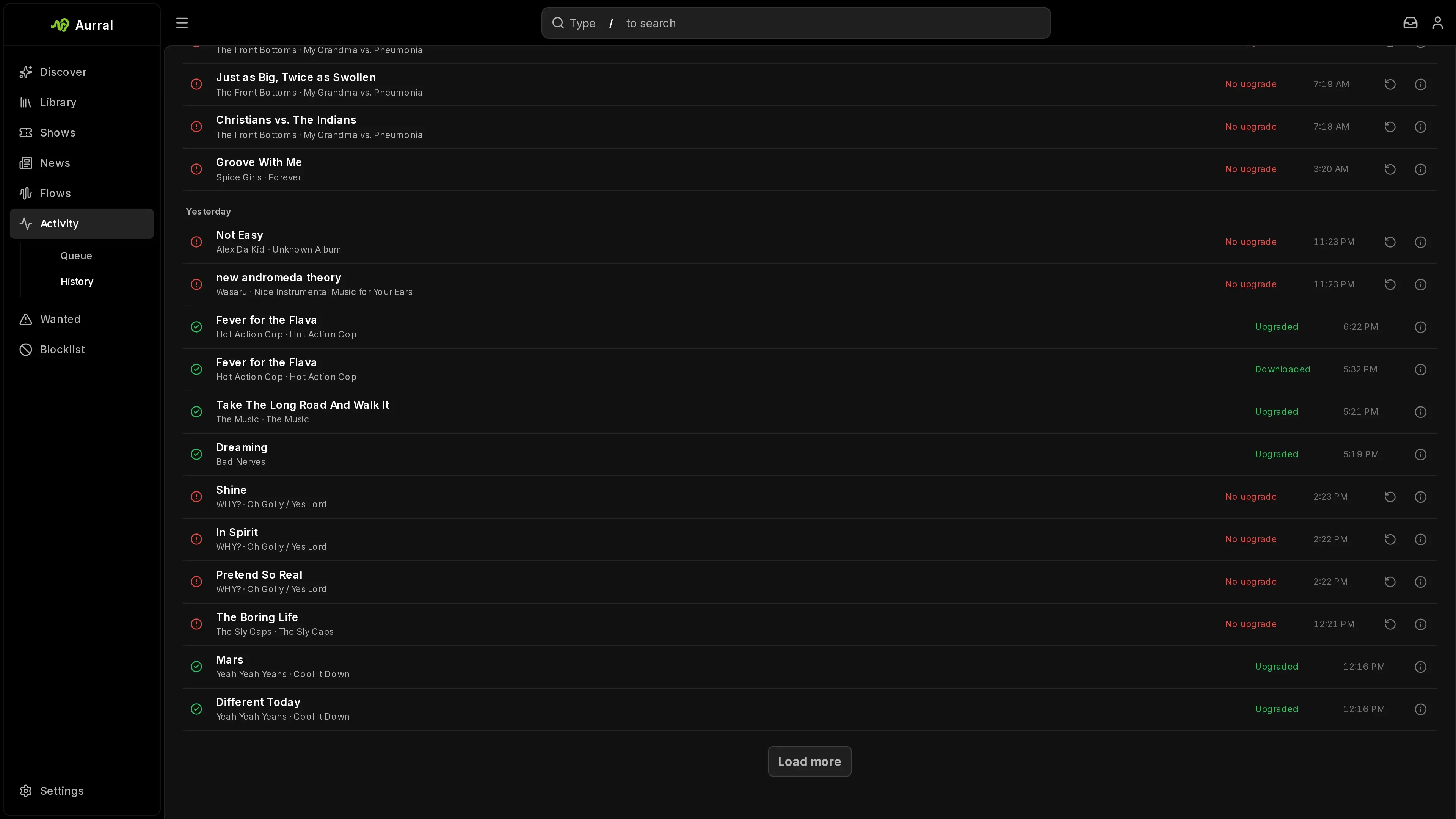
Activity shows downloads, album requests, and playlist jobs. Queue lists active work and tracks that wait for your review. History lists finished, denied, and failed work.
Wanted lists Aurral tracks that are missing or below your quality cutoff. From there, you can search again, choose a download yourself, or search for an upgrade. See Activity.
Blocklist
Section titled “Blocklist”The blocklist holds the artists and genres that you excluded. Aurral removes blocked artists from recommendations, playlist previews, and future playlist downloads. Blocked genres hide new artists in that genre from recommendations and flows, but never from your Library.
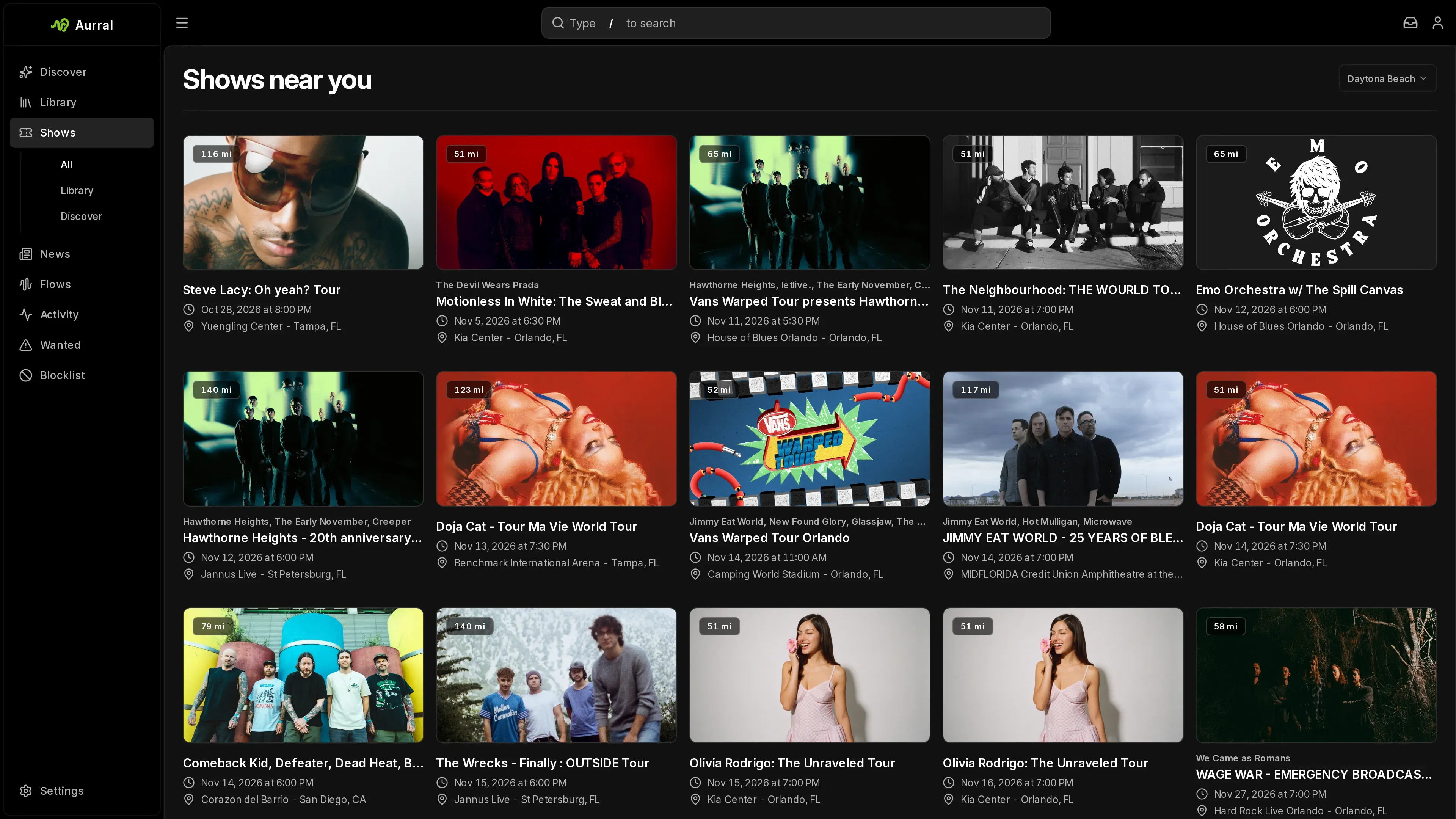
When an admin configures Ticketmaster, Shows lists nearby concerts for library, recommended, and trending artists.
Settings
Section titled “Settings”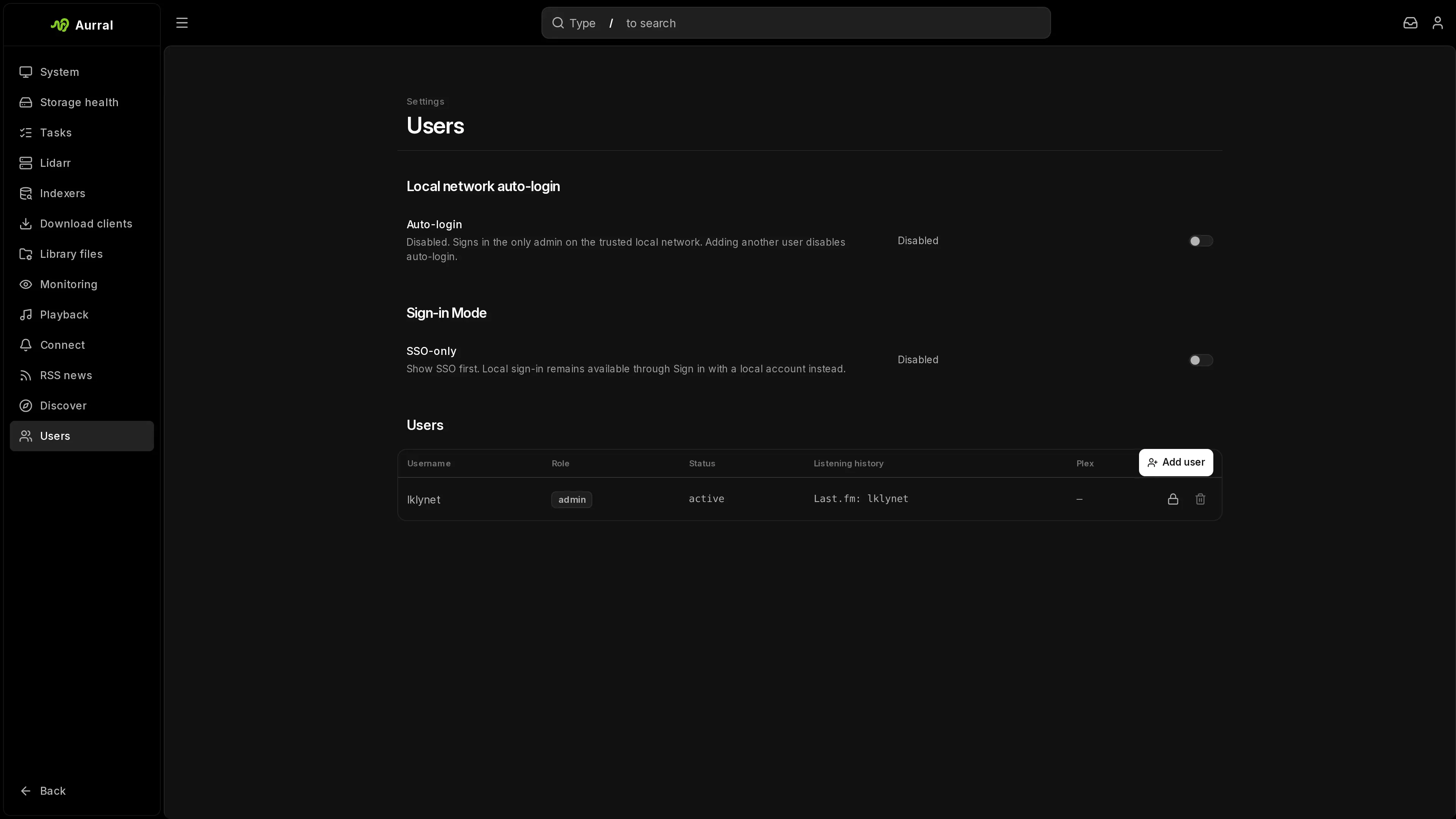
Open Settings from the gear in the sidebar, or select Profile in the user menu. Settings opens over the page you are on, and closing it returns you there. On a phone it fills the screen.
Everyone sees the Account sections:
| Section | What it covers |
|---|---|
| Profile | Username, password, sign-in methods, your Plex account, and your Lidarr defaults while Lidarr is connected |
| Listening | Listening history source, scrobbling to Last.fm or ListenBrainz, and resetting your discovery tastes |
| Appearance | Mode, theme, immersive mode, and environment art |
| Shared links | The links you created |
Appearance follows your account to other devices:
- Choose System, Light, or Dark mode and a theme. Every theme has a light and a dark version. When a theme has only one, Aurral generates the other.
- Create theme starts from the current theme. Pick a background, text, and accent color for each mode. Aurral adjusts text and accent colors that would be hard to read.
- Import accepts an exported Aurral theme or a base16 or base24 scheme. Find schemes in the Tinted Gallery and paste the scheme’s source file.
- Immersive mode is on by default. It takes the accent color from the cover of what’s playing and enables artwork colors in background gradients and the player. It also enables decorative search backdrops and tints Discover, search, and similar artist cards on hover. Turn it off to use your theme’s colors without these effects.
Admins also see the Server sections:
| Section | What it covers |
|---|---|
| General | Date format, Subsonic behavior, and the API key |
| Users | Accounts, permissions, sign-in mode, Google and Plex sign-in, and local-network auto-login |
| Library | The Library folder, read-only folders, importing a folder, and cleaning up the Library |
| Monitoring | Default monitoring rules, searches for missing tracks, and what you removed from monitoring |
| Downloads | Download clients, Prowlarr, the quality profile, the review queue, and remote path mappings |
| Playback | Navidrome, Plex, and Jellyfin |
| Discovery | Recommendations, Last.fm, Ticketmaster, and news feeds |
| Notifications | Inbox, Gotify, and webhooks |
| Lidarr | Connection, the Enabled switch, defaults, and the community guide |
| Status | Storage checks, tasks, the version, and data paths |
Use the search field in Settings to find a setting by name.
Settings saves each change automatically. Connection tests and sync actions have their own buttons. The default monitoring rules have a Save button, and Aurral shows what a change would download before it applies it.
To set the date and time format for all users, open Settings > General > Display. Choose the browser default, day first, or year first.
Advanced metadata settings are not in the Settings navigation. Search Settings for Metadata to open them. See Metadata and search.
Release catalogue refreshes have a separate worker in Settings > Status > Tasks, so a slow metadata provider does not hold up playlist maintenance. An Interrupted run means unfinished work was returned to the queue after shutdown or loss of its execution lease.