
Koito
Koito is optional. It is a self-hosted scrobbler that is compatible with ListenBrainz.
Aurral can use your Koito data for personalized discovery. You do not need Last.fm or the public ListenBrainz service.
Per-user setup
Section titled “Per-user setup”Each user must set a Koito instance URL and API key:
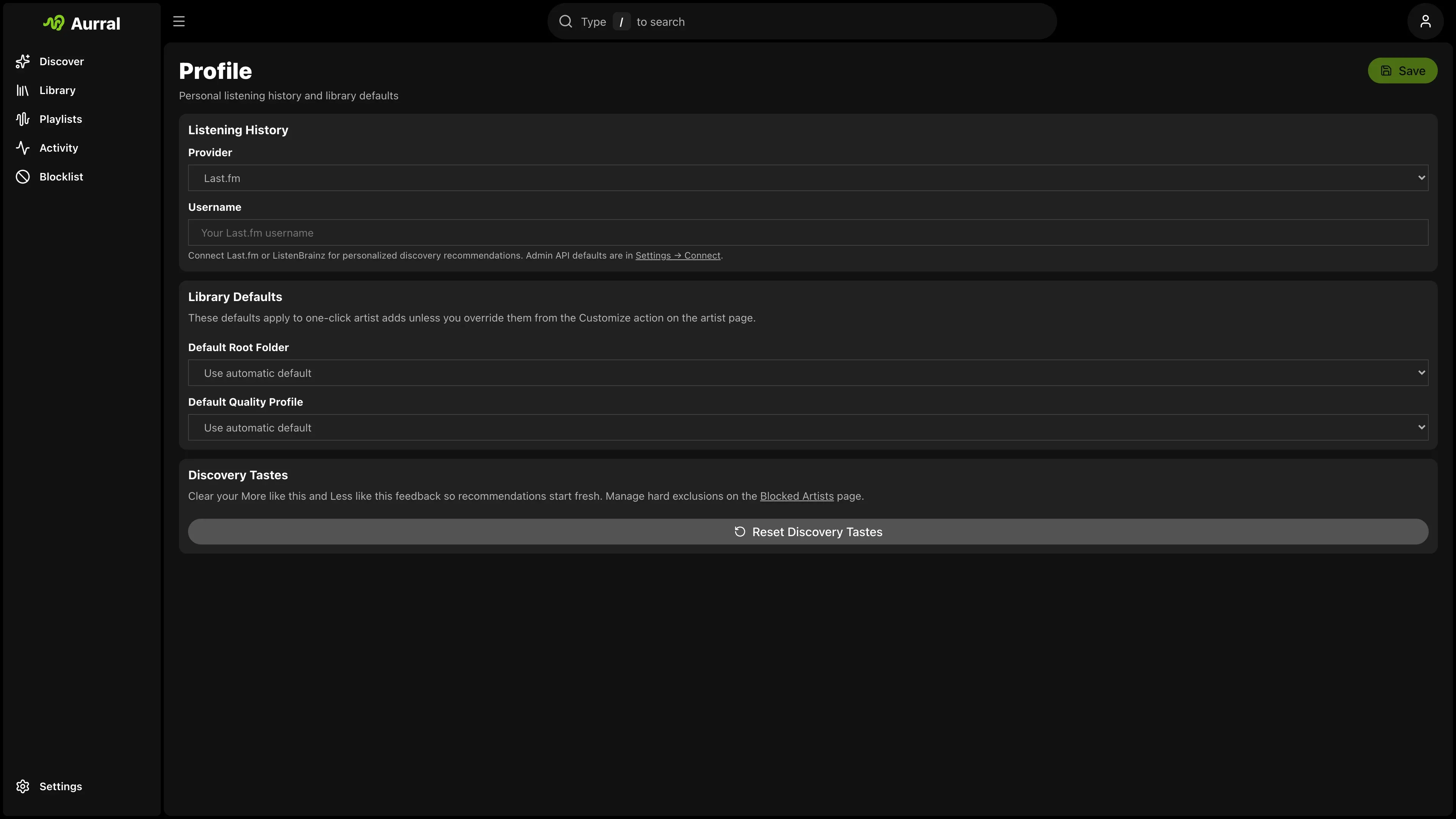
- Open Profile > Listening history.
- Select Koito.
- Enter a base URL that Aurral can reach.
- Open Settings > Playback > Scrobbling > Koito.
- Enter the Koito API key and select Connect Koito.
For example, enter https://koito.example.com:4110.
Aurral reads your top artists from the Koito chart API. Aurral uses these artists for recommendations and discover playlists.
Aurral sends completed local plays to Koito through its ListenBrainz-compatible submit-listens
endpoint. A provider outage does not remove local history.
The Aurral server must be able to reach Koito.
Requirements
Section titled “Requirements”- A Koito instance that contains scrobbles
- Enough listening history for meaningful top-artist charts
- Artists in Koito must have MusicBrainz IDs so Aurral can match them to your library
Compared to Last.fm and ListenBrainz
Section titled “Compared to Last.fm and ListenBrainz”| Provider | Admin setup | User setup |
|---|---|---|
| Last.fm | API key in Settings > Connect | Username in Profile |
| ListenBrainz | None | Username in Profile; token in Settings > Playback > Scrobbling |
| Koito | None | Instance URL and history choice in Profile; API key in Settings > Playback > Scrobbling |
Last.fm still supplies tags and similar-artist discovery when you configure an API key. Koito supplies listening-history context only.